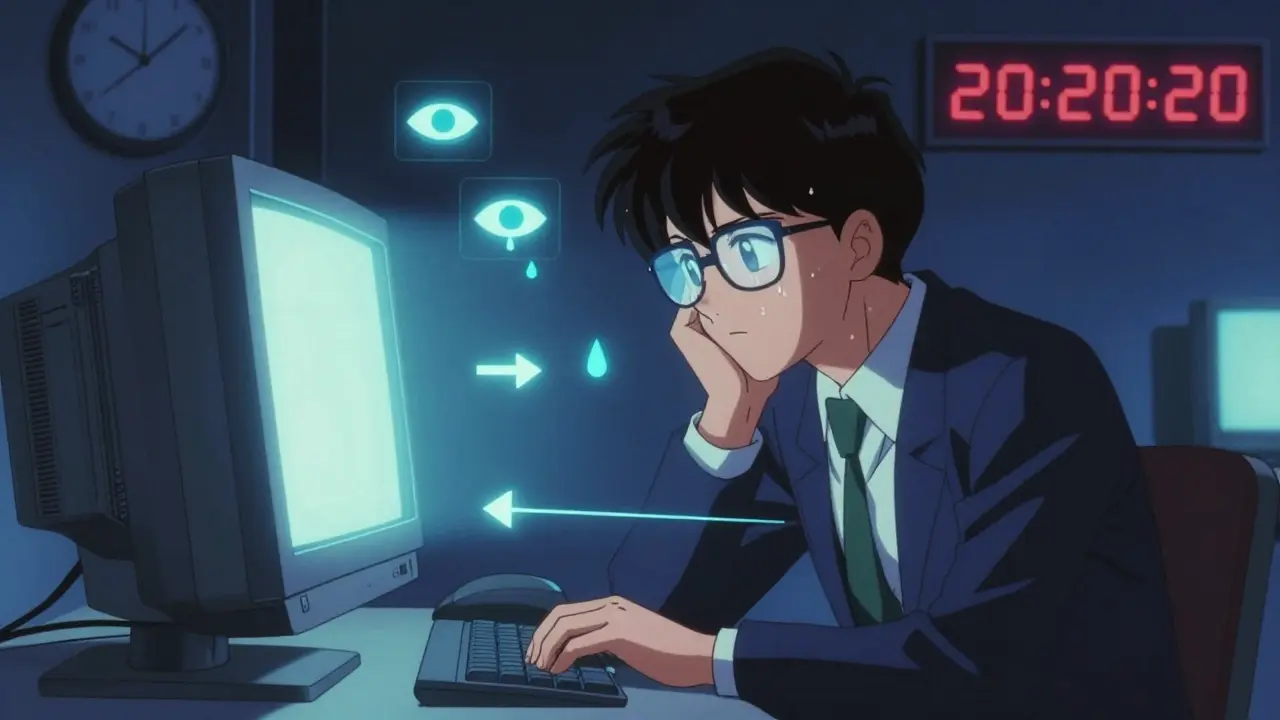
By 2026, most people spend more than six hours a day looking at screens-phones, laptops, tablets, monitors. If you’re one of them, you’ve probably felt it: tired eyes, a dull headache behind your brows, dryness that makes blinking uncomfortable, or neck pain from hunching over your keyboard. This isn’t just "being tired." It’s computer vision syndrome, a real, measurable condition caused by prolonged screen use. And it’s not going away. With remote work, online learning, and constant digital connection, your eyes are under more stress than ever.
What Exactly Is Computer Vision Syndrome?
Computer vision syndrome (CVS), also called digital eye strain, isn’t a single disease. It’s a group of eye and vision problems that happen when your eyes work too hard for too long. The American Optometric Association says 65% of Americans experience symptoms. That’s more than two out of three people who use screens daily. You might think it’s just fatigue, but the science shows it’s physical strain.
Your eyes aren’t designed to stare at glowing pixels for hours. Screens have lower contrast than printed text. Characters aren’t as sharp. And because they’re close, your eye muscles stay locked in focus mode-like holding a weight outstretched for hours. Add to that: you blink 66% less while staring at a screen. Normal blink rate drops from 15 times a minute to just 5. That means your tear film evaporates faster. Dry, gritty eyes? That’s why.
Symptoms don’t just stop at your eyes. You might get headaches, blurred vision, double vision, or even neck and shoulder pain from tilting your head up to see the screen. A 2022 NIH study found 64% of computer users report eye strain, 44% get headaches, and nearly a third have dry eyes. And it’s not just older adults. People aged 18-34 report symptoms most often-76% of them. If you’re young and think you’re immune, you’re not.
Why Your Setup Is Making It Worse
It’s not just how long you’re on screens-it’s how you’re using them. Most people set up their workstations wrong without realizing it.
First, screen height. If your monitor is too high, you’re looking up. That strains your neck and forces your eyes to open wider, drying them out faster. The right position? The top of your screen should be at or just below eye level. That means your gaze is angled 15-20 degrees downward. It’s natural. Your neck relaxes. Your eyes don’t have to work as hard.
Distance matters too. Too close? Less than 20 inches? Your eyes are constantly focusing and refocusing. Too far? More than 28 inches? You squint. The sweet spot: 20 to 28 inches (50-70 cm). Use a tape measure. Yes, really. Most people guess wrong.
Lighting is another silent killer. If your room is too bright, glare bounces off your screen. If it’s too dim, your eyes strain to see the text. The ideal ambient light? 300-500 lux. That’s about half of what most office lights give off. Use a desk lamp to light your paper, not your screen. Turn off overhead lights if you can. Enable night mode on your devices after sunset-it reduces blue light and makes contrast easier on your eyes.
The 20-20-20 Rule: The Most Proven Fix
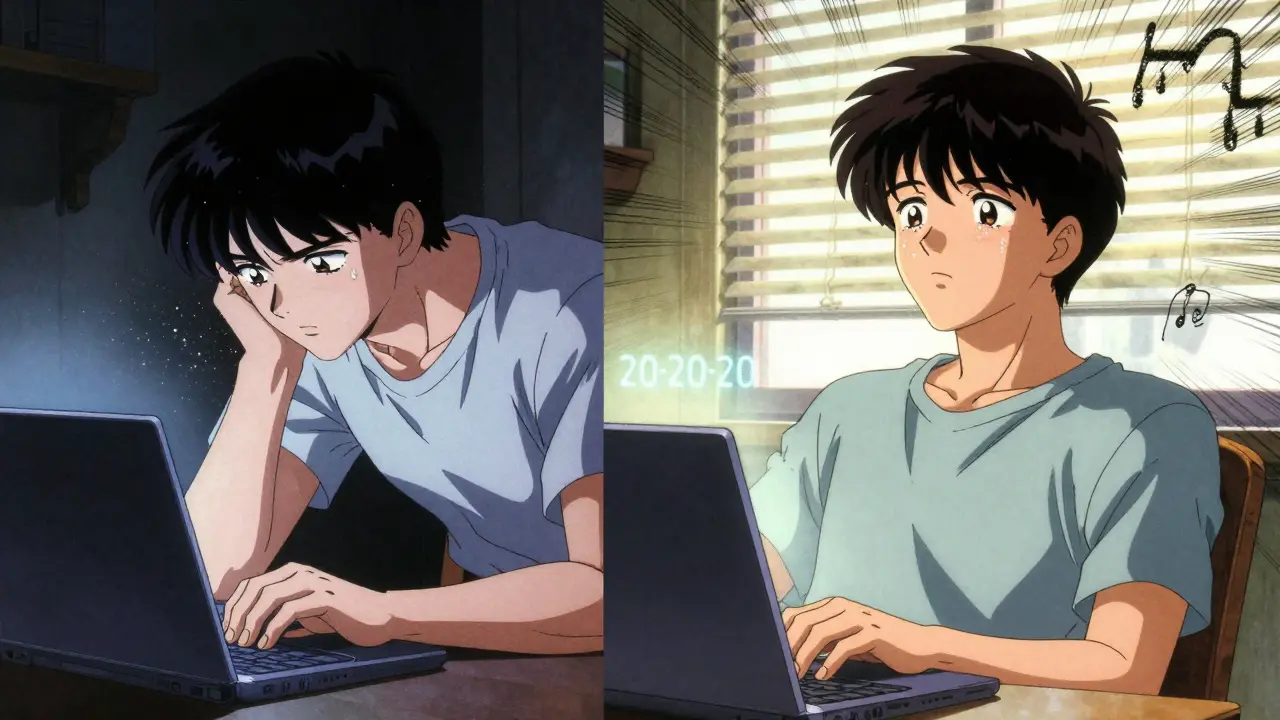
There’s one simple habit that changes everything: the 20-20-20 rule. Every 20 minutes, look at something 20 feet away for 20 seconds. It sounds too easy. But clinical studies show it reduces eye strain symptoms by 53%.
Why does it work? Your eyes’ focusing muscles (the ciliary muscles) get locked in near-vision mode. Looking far away relaxes them. It’s like stretching after sitting too long. You don’t need to stare at a mountain. A tree outside your window, a poster on the wall across the room-anything that’s at least 20 feet away works.
Use a free app like EyeLeo or Time Out to remind you. Set it to ping every 20 minutes. The first week feels annoying. By week two, you’ll forget you’re doing it. A software developer in Christchurch told us his daily headaches dropped from five days a week to one after using Time Out for three weeks. No magic. Just consistency.
Blue Light Glasses: Helpful or Hype?
Blue light glasses are everywhere. They’re in ads, on TikTok, in office supply stores. But are they worth it?
The American Academy of Ophthalmology says there’s little evidence blue light from screens damages your eyes. And in double-blind studies, blue light filtering glasses only improved symptoms by 15% more than clear lenses. That’s not nothing-but it’s not a cure.
Some people swear by them. On Reddit’s r/Bluelightglasses, 68% of 1,243 users reported better comfort. But 32% said they saw no difference-or even got color distortion. One graphic designer said her eyes felt better, but her headaches didn’t go away until she fixed her screen height.
Here’s the truth: blue light glasses might help if you’re using screens late at night. Blue light can interfere with melatonin and sleep. But for daytime eye strain? They’re not the solution. They’re a band-aid. Fix your posture, lighting, and breaks first. Then consider them if you still feel discomfort.
Eye Drops and Prescription Help
If your eyes feel gritty, scratchy, or like they’re full of sand, you likely have dry eye from reduced blinking. Over-the-counter artificial tears can help. Use preservative-free drops 2-4 times a day. Clinical trials show 78% of users feel relief within a week.
In May 2023, the FDA approved a new prescription eye drop called EYSUVIS 0.25%, specifically for dry eye caused by screen use. It’s not for everyone, but it’s a sign that doctors now treat this as a real medical issue.
And here’s the big one: 70% of people with CVS have an uncorrected vision problem. That means you might need glasses-even if you think you see fine. Presbyopia (age-related farsightedness) affects 128 million Americans over 40. Astigmatism, nearsightedness, or even minor imbalances in your prescription can make screen use painful.
Get a comprehensive eye exam every year. Tell your optometrist you use screens all day. They can give you a computer-specific prescription. These lenses are optimized for the 20-28 inch distance, not for reading books or driving. They’re different from regular glasses. And they’re not expensive-many insurance plans cover them.
What Works Best? The Combined Approach
No single fix solves everything. But when you combine a few strategies, results jump.
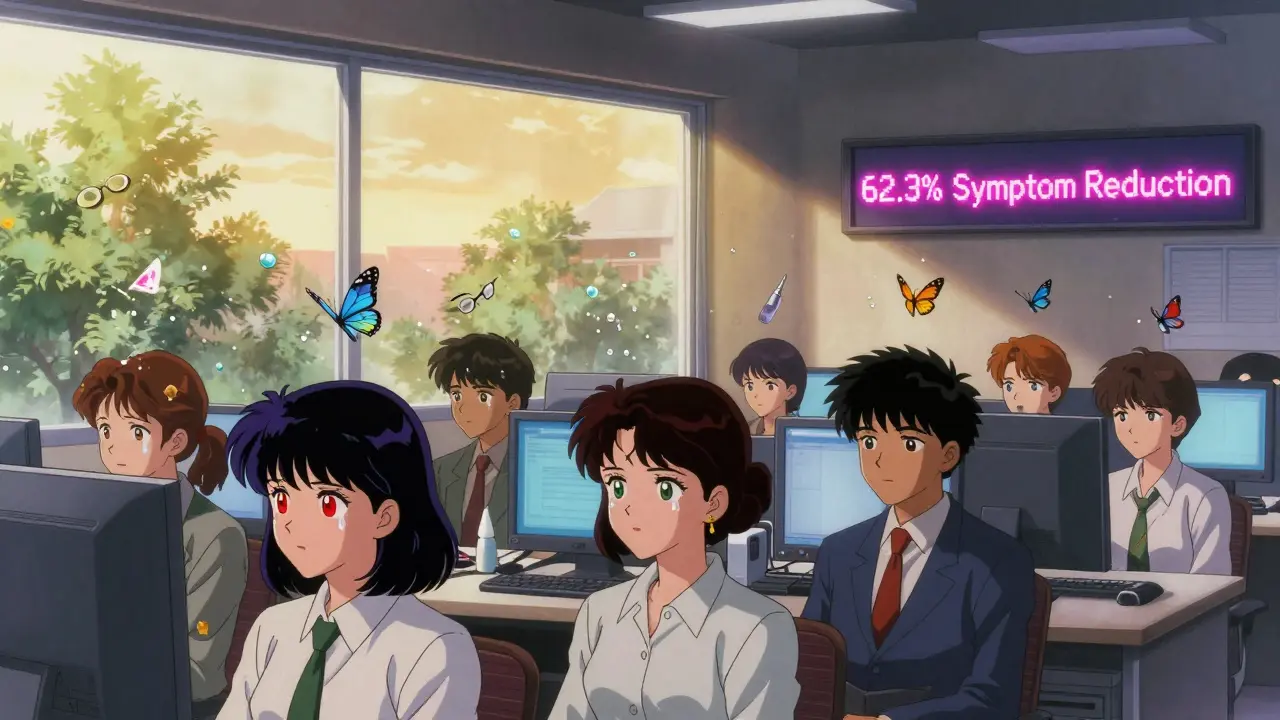
A 2022 NIH study found that people who used the 20-20-20 rule, adjusted their screen height and lighting, and wore computer glasses saw a 62.3% drop in symptoms. Cleveland Clinic’s survey of over 2,000 patients showed 89% improved with multiple changes. Only 52% improved with just one.
Start with these three:
- Set your screen at eye level, 20-28 inches away.
- Turn on a 20-20-20 timer every day.
- Get your eyes checked. Don’t assume your current glasses are enough.
Then add: lubricating eye drops, reduce glare with matte screen filters, and use night mode after dark. You don’t need to do it all at once. Pick one. Do it for two weeks. Then add another.
It’s Not Just You-It’s the World
This isn’t a personal failure. Screen time has doubled since 2013. The average person now spends nearly seven hours a day looking at digital displays. Companies are finally catching on: 68% of Fortune 500 firms now include CVS prevention in their wellness programs. Apple and Microsoft built screen time tools into their operating systems. Dell and ASUS now make monitors with flicker-free tech and auto-brightness.
But until your workplace or school mandates breaks, it’s on you. Your eyes can’t take it forever. Symptoms might start mild-just a little tiredness. But if you ignore them, they get worse. Chronic dry eye, persistent headaches, even reduced productivity. One workplace study found CVS cuts efficiency by up to 20%.
Dr. Andrea Thau, president of the American Optometric Association, says CVS prevention will become as normal as brushing your teeth. And she’s right. You don’t wait for a cavity to brush. You don’t wait for a headache to adjust your chair.
Start today. Adjust your screen. Set a timer. Blink fully. Get your eyes checked. It’s not about buying expensive gear. It’s about treating your eyes like the vital organs they are.
Can computer vision syndrome cause permanent eye damage?
No, computer vision syndrome does not cause permanent damage to your eyes. The symptoms-dryness, strain, headaches, blurred vision-are temporary and go away with rest and proper habits. However, if left unaddressed, chronic dry eye can lead to surface damage on the cornea, and persistent eye strain may worsen underlying vision problems like astigmatism or presbyopia. The key is early correction. Your eyes are resilient, but they need regular breaks.
Do blue light glasses really help with eye strain?
Blue light glasses offer limited help for digital eye strain. Studies show they reduce symptoms by only 15% more than regular clear lenses. The main benefit is for sleep-blue light at night can delay melatonin. For daytime strain, fixing your screen distance, lighting, and taking breaks are far more effective. If you like how they feel, they’re safe to use, but don’t expect them to fix your posture or dry eyes.
How often should I get an eye exam if I use screens all day?
If you use screens for more than four hours a day, get a comprehensive eye exam every 12 months. Regular eye checks don’t just test your vision-they check for signs of dry eye, uncorrected astigmatism, or presbyopia that can make screen use painful. Many people think they see fine, but a computer-specific prescription can cut eye strain by half. Tell your optometrist your daily screen time so they can tailor the exam.
Is the 20-20-20 rule scientifically proven?
Yes. The 20-20-20 rule was recommended by the American Optometric Association in 2005 and has been validated in multiple clinical studies. One study at St. Peter Eyecare Center showed a 53% reduction in eye strain symptoms among users who followed the rule consistently. It works because it gives your eye muscles a chance to relax from constant near-focus. You don’t need to be perfect-just consistent.
What’s the best way to reduce screen glare?
Reduce glare by adjusting your lighting. Avoid bright overhead lights behind you. Use a desk lamp to light your papers, not your screen. Position your monitor perpendicular to windows. Clean your screen weekly with a microfiber cloth. Consider an anti-glare screen filter if you’re in a bright room. And make sure your screen brightness matches your surroundings-too bright or too dim increases strain.






8 Comments
Ambrose Curtis
Jan 28 2026bro i was getting migraines every day until i started the 20-20-20 rule. no joke. set a timer on my phone and now i dont even think about it. my eyes dont feel like sandpaper anymore. also turned my monitor down to eye level - holy shit, my neck pain vanished. why didnt anyone tell me this sooner?
Linda O'neil
Jan 29 2026YES. This is the most practical guide i’ve read on CVS. So many people buy blue light glasses like they’re magic shields, but the real fix is posture, lighting, and blinking. I teach this to my interns every Monday. One guy said he went from 4 headaches a week to zero in 10 days just by adjusting his monitor height. It’s not sexy, but it works. And yes - get an eye exam. Your ‘fine’ vision might be lying to you.
Chris Urdilas
Jan 30 2026oh cool, so the solution to staring at a screen 12 hours a day is... stare at a screen for 20 seconds every 20 minutes? genius. next you’ll tell me the cure for smoking is to take a breath of fresh air every 20 minutes. i’m just saying - if your job requires you to be glued to a monitor, maybe the problem isn’t your eyes. maybe it’s your boss. or capitalism. or both.
Jeffrey Carroll
Jan 31 2026While the article presents a compelling and evidence-based overview of computer vision syndrome, I would respectfully suggest that the emphasis on individual behavioral modifications, though valuable, should be paired with systemic workplace interventions. Employers bear a responsibility to provide ergonomic infrastructure, mandated rest intervals, and access to vision care. Prevention should not rest solely on the employee’s initiative, particularly when corporate productivity metrics incentivize continuous screen engagement.
Irebami Soyinka
Feb 2 2026USA people always think they're the only ones with screen problems? 😒 We in Nigeria work on 10-year-old laptops with no anti-glare, no blue light filters, and still we blink like normal people. You think your 20-20-20 rule is new? My cousin in Lagos uses a banana leaf as a screen shade and still sees better than you after 6 hours. Fix your lighting, not your glasses. And stop buying hype. 🇳🇬💪
doug b
Feb 2 2026Start with one thing. Just one. Pick the timer. Do it for two weeks. Then move on. No need to overhaul your whole life today. I did this. My eyes stopped burning. That’s it. You don’t need fancy gear. You just need to remember to look away. Seriously. Try it.
Mel MJPS
Feb 4 2026Thank you for writing this. I’ve been ignoring my dry eyes for months because i thought it was just ‘stress’. Reading this made me finally book an eye appointment. My optometrist said i have early dry eye from screen use and gave me drops + a computer prescription. I feel like an idiot for waiting so long. You’re right - your eyes deserve care, not just ‘push through it’.
Katie Mccreary
Feb 6 202676% of 18-34s have symptoms? That’s not a syndrome. That’s a warning sign your generation is addicted to screens and refuses to admit it. You think a timer fixes your dopamine addiction? Get a hobby. Go outside. Stop staring at glowing rectangles. Your eyes are just the first thing breaking.